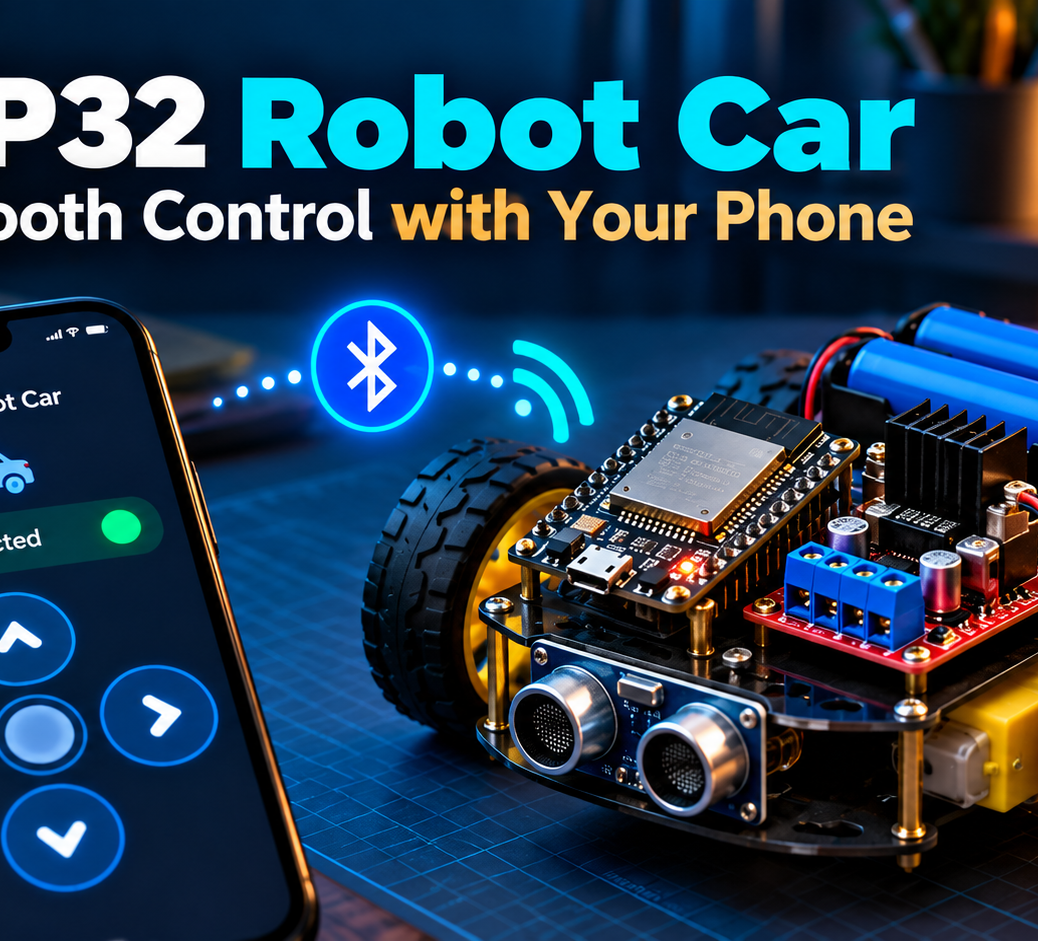
A robot car is one of the most satisfying ESP32 projects. We’ll build a two-wheel-drive car and steer it from a phone using Bluetooth Low Energy (BLE). This beginner design uses short commands that are easy to debug.
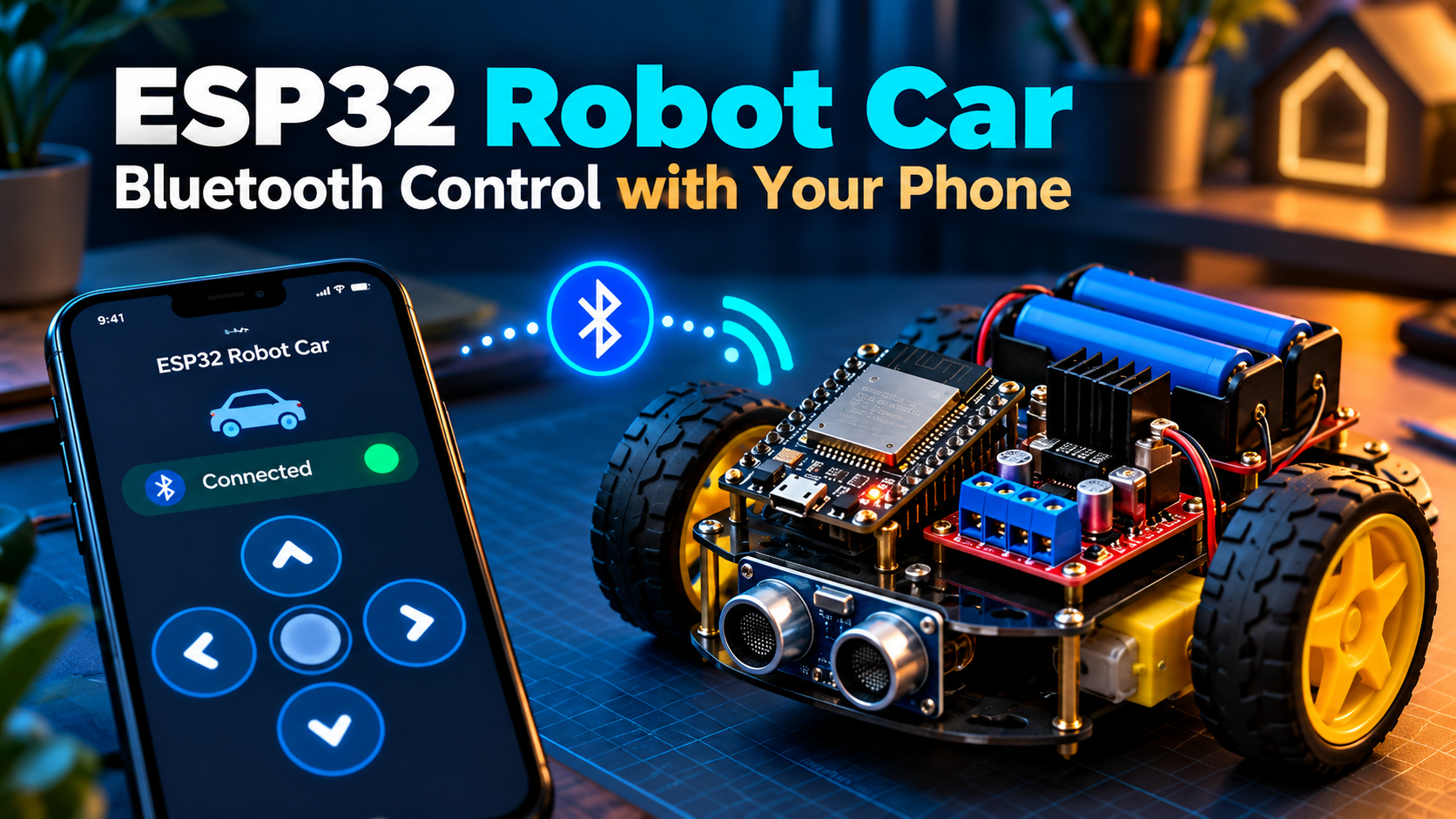
What you need
- Original ESP32 development board
- Two small DC gear motors, wheels, and a caster wheel
- TB6612FNG dual motor driver breakout (preferred over wiring motors to the ESP32)
- Separate motor battery matched to the motors, switch, chassis, jumper wires
- USB supply for programming; shared logic ground between ESP32 and motor driver
Safety: These are educational low-voltage projects. Do not connect household mains wiring, exposed live terminals, or high-power appliances. Disconnect power before changing wires. Projects are examples to verify on your own hardware.
Important wiring rules
Never connect a motor directly to an ESP32 GPIO pin. Power motors from the driver supply (VM) and use the board’s 3.3 V logic voltage (VCC). Connect grounds together. Keep motor power separate from the ESP32 USB supply. Confirm your TB6612FNG board’s pin labels; other drivers need different wiring.
Example TB6612FNG connections
- ESP32 GPIO 25 → AIN1; GPIO 26 → AIN2; GPIO 27 → PWMA
- ESP32 GPIO 18 → BIN1; GPIO 19 → BIN2; GPIO 23 → PWMB
- ESP32 GPIO 13 → STBY; TB6612FNG VCC → 3.3 V; GND → common GND
- Motor A and B → AO1/AO2 and BO1/BO2; VM → motor battery positive; battery negative → common GND
Start with the car lifted off the desk so the wheels spin freely. In this simplified project, we use full-speed PWM channels (HIGH) for directions; you can add speed control later.
Arduino BLE code
Install the ESP32 board package. This sketch implements a Nordic UART-style writable RX characteristic. Send single letters F, B, L, R, S to drive forward, backward, left, right, or stop.
#include <BLEDevice.h>
#include <BLEServer.h>
#include <BLEUtils.h>
#include <BLE2902.h>
const int A1=25,A2=26,APWM=27,B1=18,B2=19,BPWM=23,STBY=13;
const char* SERVICE_UUID = "6E400001-B5A3-F393-E0A9-E50E24DCCA9E";
const char* RX_UUID = "6E400002-B5A3-F393-E0A9-E50E24DCCA9E";
void motors(int a, int b) {
  digitalWrite(A1,a>0); digitalWrite(A2,a<0);
  digitalWrite(B1,b>0); digitalWrite(B2,b<0);
}
unsigned long lastCommand=0;
class Receiver : public BLECharacteristicCallbacks {
 void onWrite(BLECharacteristic *c) override {
   String v=c->getValue(); if(v.length()==0) return;
   char cmd=toupper(v[0]); lastCommand=millis();
   if(cmd=='F') motors(1,1);
   else if(cmd=='B') motors(-1,-1);
   else if(cmd=='L') motors(-1,1);
   else if(cmd=='R') motors(1,-1);
   else motors(0,0);
 }
};
class ServerEvents : public BLEServerCallbacks {
 void onDisconnect(BLEServer* s) override { motors(0,0); BLEDevice::startAdvertising(); }
};
void setup() {
 for(int pin:{A1,A2,APWM,B1,B2,BPWM,STBY}) pinMode(pin,OUTPUT);
 digitalWrite(STBY,HIGH); digitalWrite(APWM,HIGH); digitalWrite(BPWM,HIGH);
 motors(0,0); lastCommand=millis();
 BLEDevice::init("CircuitMagic-Robot");
 BLEServer* server=BLEDevice::createServer(); server->setCallbacks(new ServerEvents());
 BLEService* service=server->createService(SERVICE_UUID);
 BLECharacteristic* rx=service->createCharacteristic(RX_UUID,BLECharacteristic::PROPERTY_WRITE | BLECharacteristic::PROPERTY_WRITE_NR);
 rx->setCallbacks(new Receiver()); service->start();
 BLEDevice::getAdvertising()->addServiceUUID(SERVICE_UUID);
 BLEDevice::startAdvertising();
}
void loop() { if(millis()-lastCommand>700) motors(0,0); delay(20); }
Firmware note: Arduino-ESP32 BLE APIs can vary by library version. This sketch targets the ESP32 BLE library’s common Arduino interface; compile against your installed version and adjust callbacks if required. The 700 ms watchdog stops motors unless commands are sent repeatedly, so configure your controller to send repeated commands while moving; otherwise the robot will move only briefly. The watchdog is for safety, not precision motion control.
Set up the phone remote
- Install BLE Controller from one of the links below.
- Power up your ESP32, scan for CircuitMagic-Robot, and connect using BLE.
- Create buttons F (forward), B (back), L (left), R (right), and S (stop).
- Start with brief taps while the wheels are raised; choose hold/repeat behavior if supported.
- If one wheel runs backwards, swap that motor’s two output wires (with power disconnected).
Control the project from your phone
Try BLE Controller by CircuitMagic for custom Bluetooth buttons and a serial console. Download for iPhone/iPad or download for Android. On iPhone, use BLE firmware (not HC-05/HC-06 Classic SPP). On Android, BLE and supported Classic serial devices are available. Match the commands and UUIDs in your firmware to the app.
Also read our BLE Controller Arduino and ESP32 setup guide.
Troubleshooting
- Robot isn’t visible: confirm sketch uploaded, ESP32 uses BLE and Bluetooth permissions are enabled.
- Connects but doesn’t move: check the RX UUID, wire mapping, STBY, battery voltage and commands.
- ESP32 resets as motors start: motor power may be inadequate or noisy; keep power separate and share ground.
- Car moves in circles: reverse one motor’s polarity or swap its logic direction.
- Motion stops after a short tap: the watchdog is designed to stop after 700 ms; use repeated movement commands.
Ideas for version 2
Add PWM speed control, obstacle sensing, battery monitoring, and a physical emergency-off switch. Share a photo of your build in the comments!