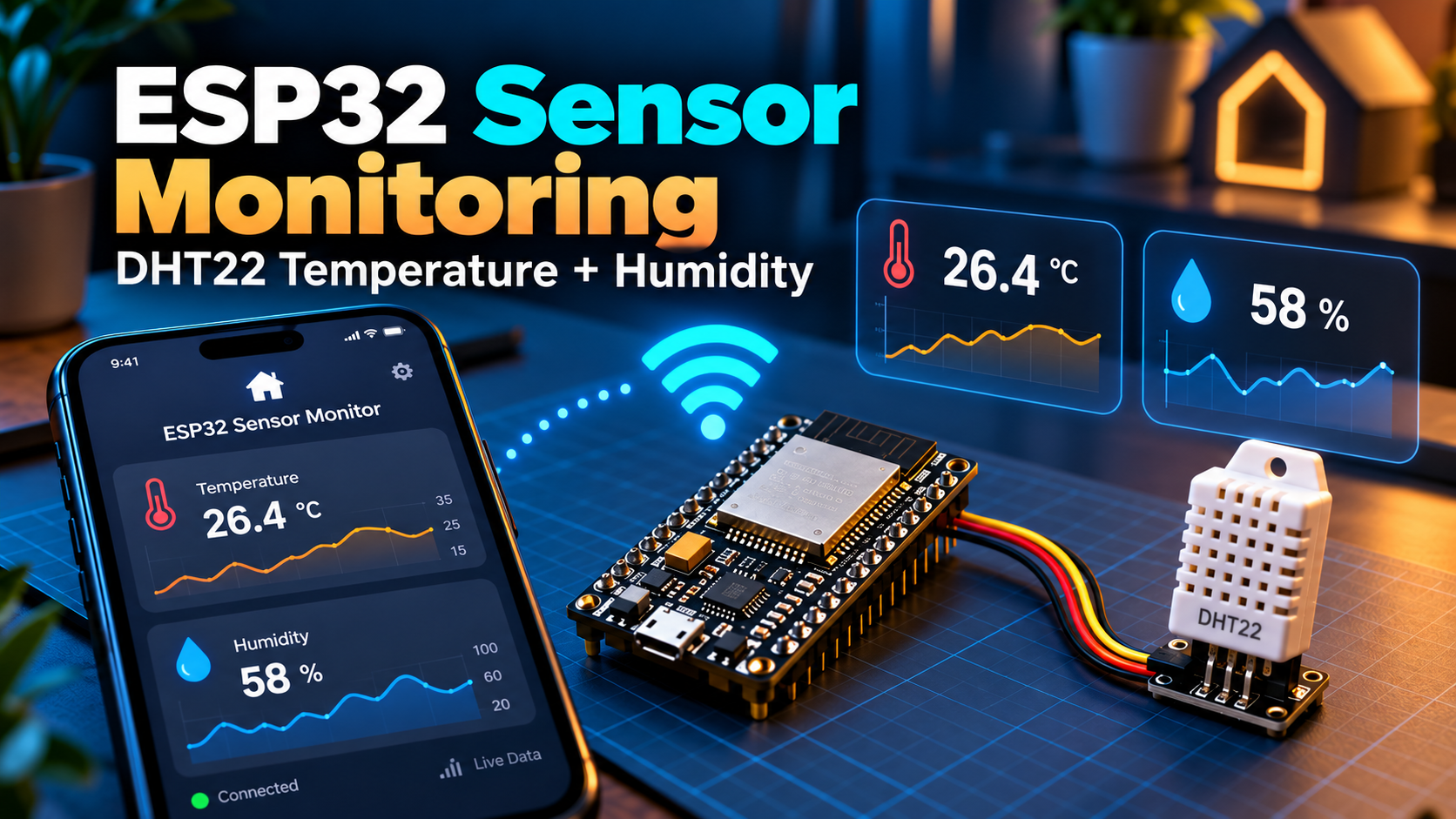
Want to monitor the temperature in your room, workshop, or greenhouse? An ESP32 and DHT22 sensor make a simple live dashboard that you can open on your phone. No cloud account is needed for this local-network example.
Components
- ESP32 development board with Wi-Fi
- DHT22 (AM2302) temperature and humidity module
- Breadboard, jumper wires, USB cable
- A 4.7–10 kΩ pull-up resistor for bare DHT22 sensors (many module boards include it)
Connect the sensor
- DHT22 VCC → ESP32 3.3 V (check module specifications)
- DHT22 GND → ESP32 GND
- DHT22 DATA → ESP32 GPIO 4
- If using a bare four-pin DHT22, add a pull-up resistor from DATA to 3.3 V; consult its pinout before connecting
Check the front-facing pin order on your specific sensor and do not confuse bare sensor pins with three-pin breakout modules.
Install libraries
In Arduino IDE, install DHT sensor library from Adafruit and its dependency Adafruit Unified Sensor, plus Espressif’s ESP32 board package.
ESP32 web dashboard code
#include <WiFi.h>
#include <WebServer.h>
#include <DHT.h>
#define PIN 4
#define TYPE DHT22
DHT dht(PIN,TYPE); WebServer server(80);
const char* ssid="YOUR_WIFI_NAME";
const char* password="YOUR_WIFI_PASSWORD";
void readings(){
float t=dht.readTemperature(), h=dht.readHumidity();
if(isnan(t)||isnan(h)){server.send(503,"text/plain","Sensor not ready");return;}
String html="<meta name='viewport' content='width=device-width'><meta http-equiv='refresh' content='5'>";
html+="<h2>ESP32 Room Monitor</h2><p>Temperature: "+String(t,1)+" °C</p>";
html+="<p>Humidity: "+String(h,1)+" %</p><p>Updates every 5 seconds</p>";
server.send(200,"text/html",html);
}
void setup(){
Serial.begin(115200); dht.begin(); WiFi.begin(ssid,password);
while(WiFi.status()!=WL_CONNECTED){delay(500);Serial.print(".");}
Serial.println(WiFi.localIP()); server.on("/",readings); server.begin();
}
void loop(){server.handleClient();}Try it on your phone
- Upload the code and open Serial Monitor at 115200 baud.
- Copy the ESP32’s IP address.
- With your phone on the same Wi-Fi network, open the IP address in a browser.
- Watch the readings refresh every five seconds.
The DHT22 is not a fast sensor. Read it at intervals of at least about two seconds; five seconds is appropriate here. For precise scientific monitoring, calibrate and select a higher-grade sensor.
Can you use BLE Controller?
Yes, if you extend the sketch to advertise a BLE UART service and send formatted temperature messages through its TX characteristic. This Wi-Fi example does not expose BLE by itself. A simple message might be T=22.7,H=45.1. Follow our BLE UART setup tutorial to add the required BLE firmware.
Control the project from your phone
Try BLE Controller by CircuitMagic for custom Bluetooth buttons and a serial console. Download for iPhone/iPad or download for Android. On iPhone, use BLE firmware (not HC-05/HC-06 Classic SPP). On Android, BLE and supported Classic serial devices are available. Match the commands and UUIDs in your firmware to the app.
Also read our BLE Controller Arduino and ESP32 setup guide.
Fix common errors
- NaN readings: check data wiring, pull-up resistor, sensor power, and selected DHT type.
- Can’t open IP: ensure the phone is on the same local network.
- Readings are wrong: avoid sensor placement near heat, direct sunlight, or humidifier output.
- Unstable readings: use shorter wires and a stable USB power source.
Next upgrades
Add a small OLED display, alerts, data logging, or a second sensor in another room. Tell us in the comments where you’d use your monitoring system.