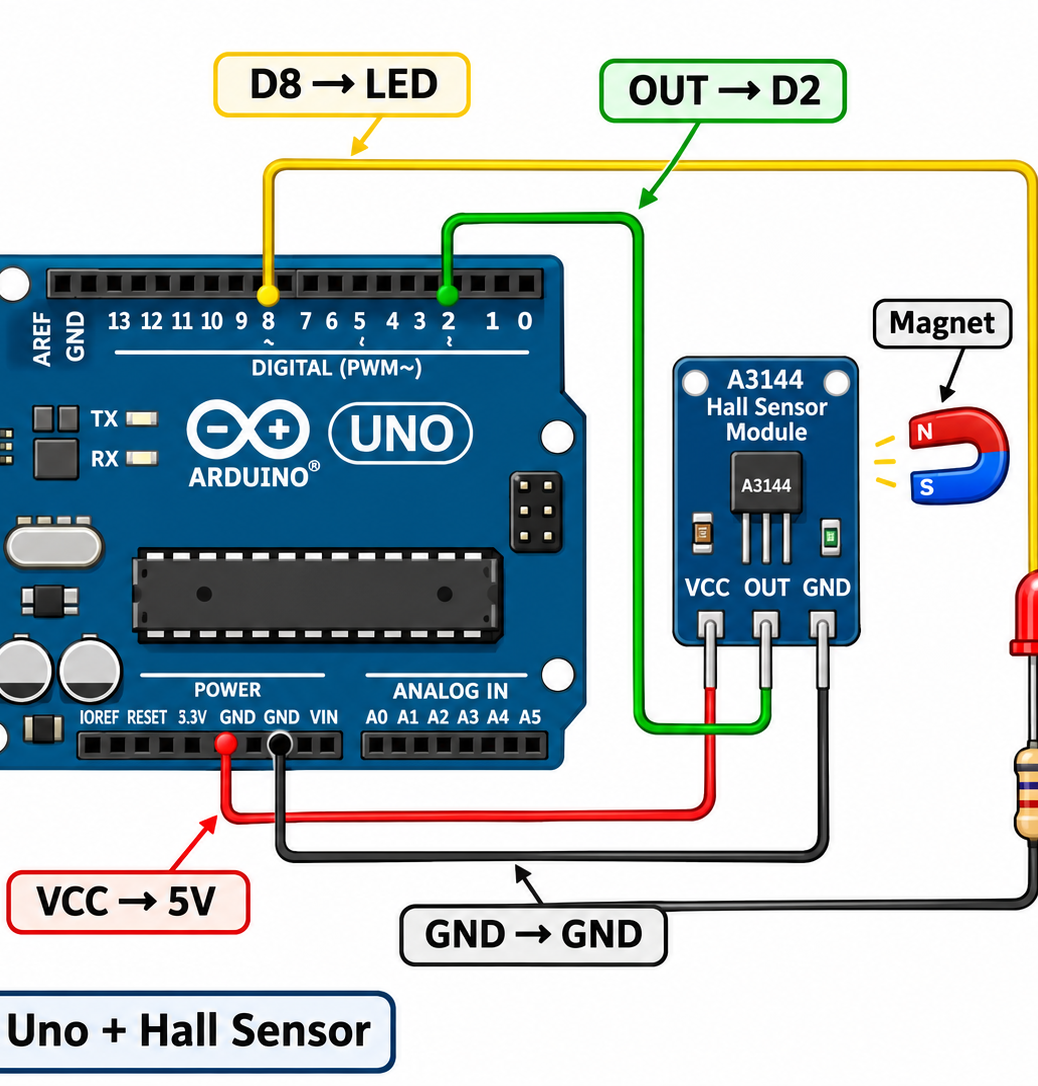
In this easy CircuitMagic tutorial you will build detect a magnet with arduino and a3144 hall sensor using Arduino Uno and one simple sensor. The project needs only a few connections and a short Arduino IDE sketch.
What does the sensor do?
A Hall-effect sensor reacts to magnetic fields. Many A3144 modules use an active-LOW digital output; Arduino can turn on an LED when a suitable magnetic pole is nearby.
Required components
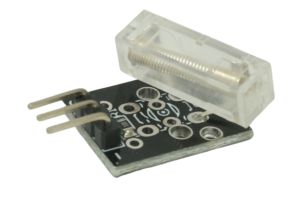
Arduino Uno, A3144 digital sensor breakout, magnet, LED, 220Ω resistor, jumper wires.
Connection diagram
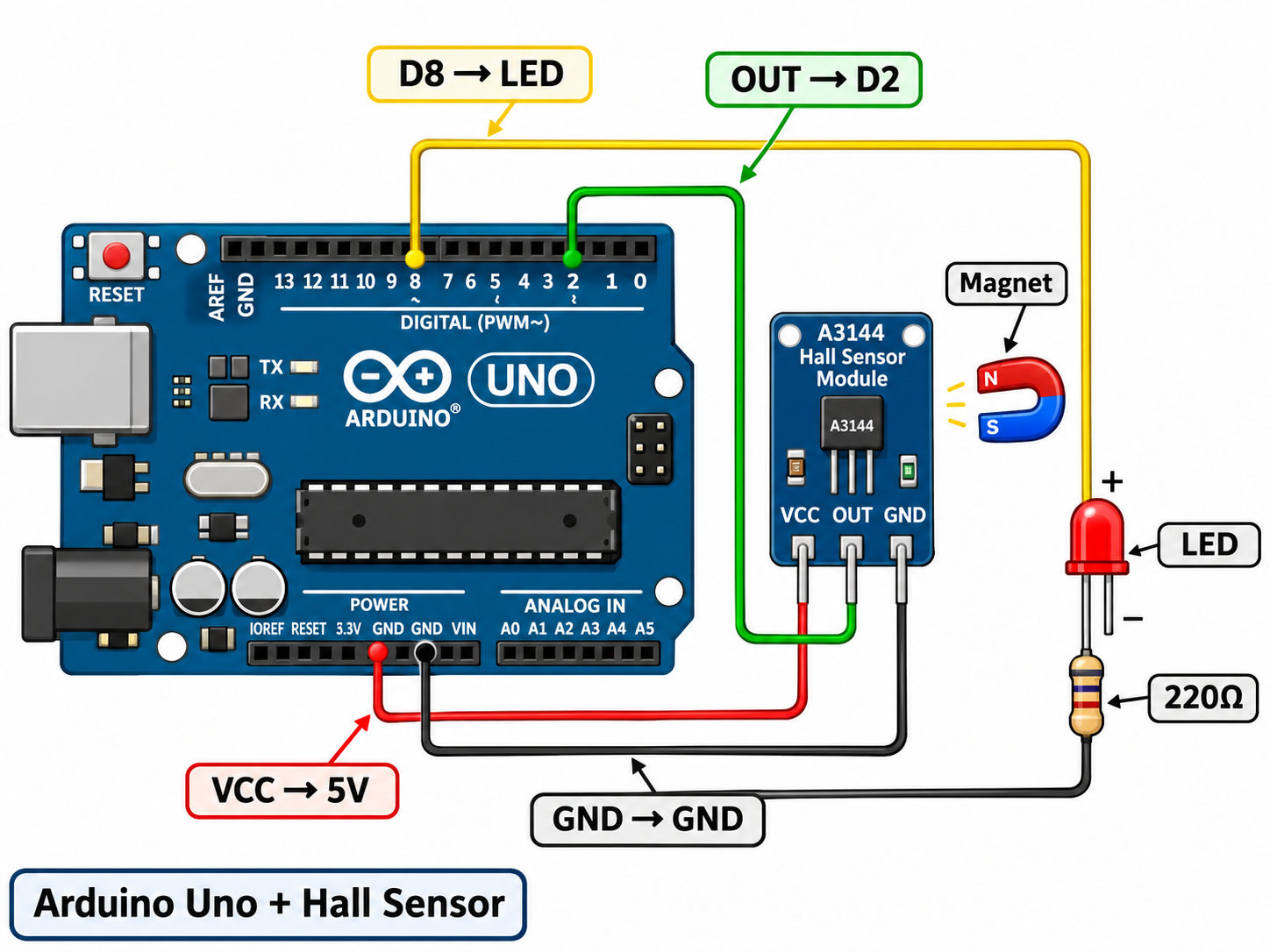
The diagram below is a pin-to-pin connection map: each colored line shows one separate wire between labeled terminals, not a photograph of a particular board’s header layout.
Pin connections
Unplug USB power before wiring. The pin table is authoritative; always verify your board’s printed pin labels and your module’s pinout.
| Arduino Uno pin / connection | A3144 digital Hall sensor module connection |
|---|---|
| 5V | Hall module VCC |
| GND | Hall module GND |
| D2 | Hall module OUT |
| D8 | LED anode (+) through 220Ω resistor |
| GND | LED cathode (-) |
Arduino IDE setup
No additional library needed. Select the matching board and serial port, then upload this sketch.
Complete Arduino code
const int hallPin = 2;
const int ledPin = 8;
void setup() {
  Serial.begin(9600);
  pinMode(hallPin, INPUT_PULLUP);
  pinMode(ledPin, OUTPUT);
}
void loop() {
  bool magnet = digitalRead(hallPin) == LOW;
  digitalWrite(ledPin, magnet ? HIGH : LOW);
  Serial.println(magnet ? "Magnet detected" : "No magnet");
  delay(200);
}
Expected output
Bring the suitable magnet pole close: the LED turns on. Open Serial Monitor at the baud rate specified by Serial.begin().
Troubleshooting
This tutorial uses a breakout module, not an unprotected bare 3-pin sensor. A bare A3144 typically requires an output pull-up and careful pin orientation.
If there is no output, double-check the board and port, USB data cable, common ground, sensor pin labels and Serial Monitor speed.
Try next
Once the basic example works, experiment with the sampling delay, add an LED indicator, or log the sensor output to a computer. See more CircuitMagic electronics projects for related beginner tutorials.