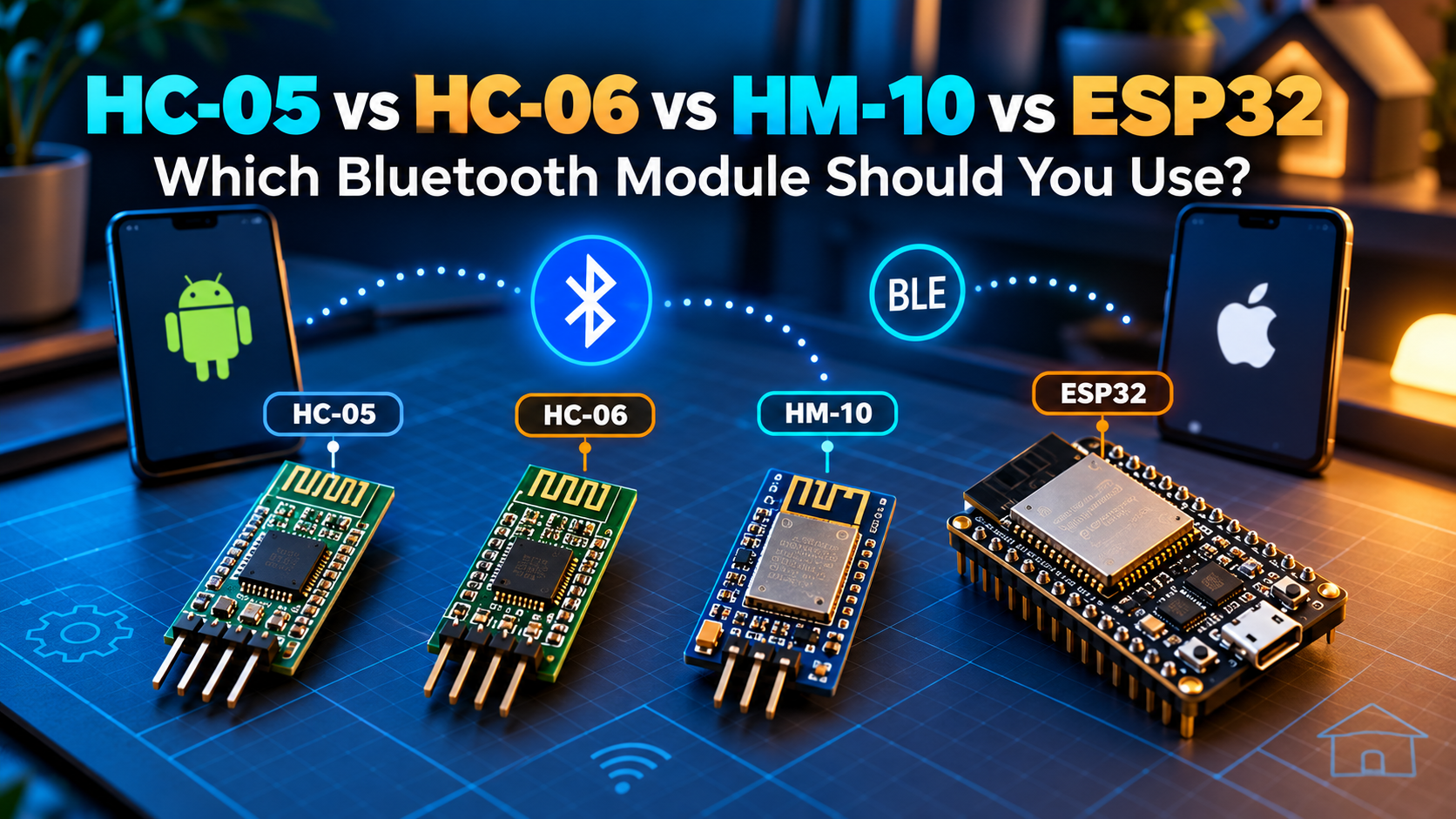
Buying a Bluetooth module for an Arduino project can be confusing. Some modules connect to Android but not iPhones. Others support Bluetooth Low Energy (BLE) but not the old serial profile. Here’s a practical guide to choosing correctly.
First: BLE is not the same as Bluetooth Classic
Bluetooth Classic SPP provides a serial-cable-like connection and is common on HC-05/HC-06 modules. BLE uses services and characteristics, and works with standard BLE APIs on iOS and Android. An iPhone generally cannot use the generic HC-05/HC-06 SPP connection, even when the module is visible in settings.
Quick comparison
| Board | Typical type | iPhone support | Best for |
|---|---|---|---|
| HC-05 | Classic SPP | No generic SPP | Arduino + Android serial |
| HC-06 | Classic SPP | No generic SPP | Basic Android serial |
| HM-10 | BLE (genuine) | Yes, with compatible GATT app | Arduino + iOS/Android BLE |
| Original ESP32 | BLE + Classic | BLE yes | Flexible IoT projects |
Beware of HM-10 clones and similarly named modules: firmware, services, and commands vary. ESP32-C3 and ESP32-S3 support BLE but not Classic Bluetooth SPP. Verify the exact chip and firmware.
How to wire a UART module
- Module TX → microcontroller RX
- Microcontroller TX → module RX (use level shifting if the module input isn’t 5 V tolerant)
- GND → GND
- VCC → the voltage required by the specific breakout board
On Arduino Uno, use a suitable SoftwareSerial pair or carefully plan hardware serial use. A board labelled 5V-compatible may have an onboard regulator but still require 3.3 V logic on RX; check the schematic.
Which one should you buy?
- Arduino Uno + Android-only project: HC-05 is a common affordable option.
- Arduino Uno + iPhone or Android: a documented BLE module, or a BLE-capable microcontroller, is better.
- New Wi-Fi and Bluetooth project: an ESP32 board reduces wiring and adds more features.
- Robot requiring simple phone control: consider an ESP32 and a BLE serial service.
How to test before building a robot
Start with a serial loopback test. Upload firmware that reports received commands to the serial monitor, connect using a compatible app, and send a short message. Confirm line endings and baud rate for Classic UART modules. For BLE, verify service and characteristic UUIDs first.
Control the project from your phone
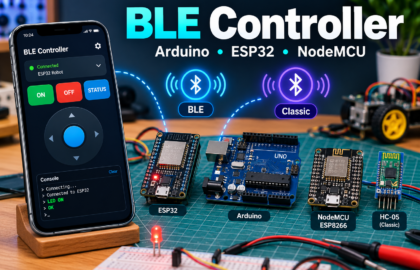
Try BLE Controller by CircuitMagic for custom Bluetooth buttons and a serial console. Download for iPhone/iPad or download for Android. On iPhone, use BLE firmware (not HC-05/HC-06 Classic SPP). On Android, BLE and supported Classic serial devices are available. Match the commands and UUIDs in your firmware to the app.
Also read our BLE Controller Arduino and ESP32 setup guide.
Frequently asked questions
Can I pair an HC-05 directly with an iPhone?
Not for ordinary third-party SPP serial control. Choose a BLE GATT solution or specialized supported hardware instead.
Does ESP32 support both types?
The original ESP32 does. Newer chip families vary; check the Espressif chip’s Bluetooth capability.
Is HM-10 the same as HC-05?
No. Genuine HM-10 firmware speaks BLE, not generic HC-05 Classic SPP.
Final advice
Choose the phone platform and communication protocol before buying a module. This one decision prevents most Bluetooth compatibility problems. Tell us your board and phone model in the comments, and we’ll help you choose.